Codes
No working Eat THE Ice Cream codes yet. See where codes usually drop, how to redeem them, and when we update this list.
View all CodesRoblox codes, spoon upgrades, and badge guides
Unofficial fan wiki for Eat THE Ice Cream on Roblox: codes, spoon upgrades, badges, Chapter 2, and Hard Mode tips to find your keys faster.
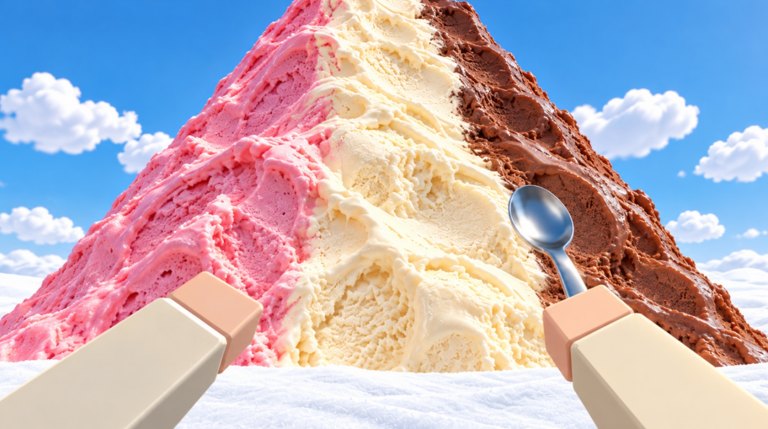
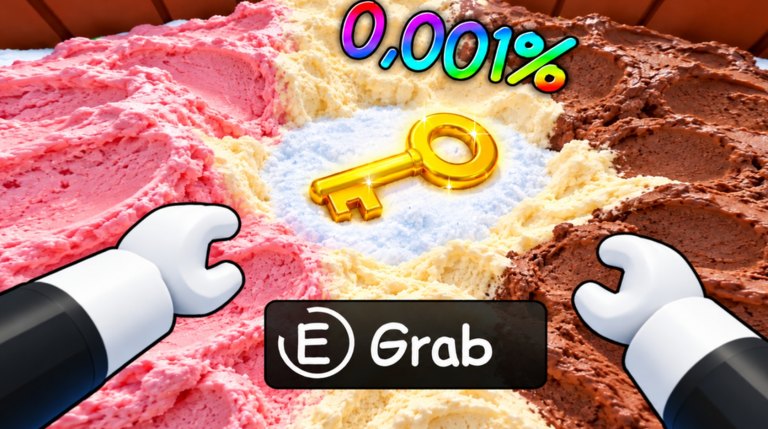
Eat THE Ice Cream is a cozy Roblox dig-and-eat game from creator group Ѣ. You chew through a giant ice cream mountain, upgrade from a starter spoon to the Scooper and mega vacuum, dig up sweets and candy, warm up from Brain Freeze, then find the lost house key and open the front door for Home Sweet Home. Chapter 2 adds the Evil Penguin King bunker, Santa sleigh gifts, rockets, and Kaboom challenges. Hard Mode brings blizzards, stronger freeze, and the FROST RACER skin. Start with the Getting Started guide, check codes, plan spoon upgrades, hunt badges, and survive Hard Mode.
No working Eat THE Ice Cream codes yet. See where codes usually drop, how to redeem them, and when we update this list.
View all CodesEat THE Ice Cream guides hub for beginners, badges, key hunt, Brain Freeze, spoon upgrades, Chapter 2, and Hard Mode.
View all GuidesEat THE Ice Cream tier list hub ranking spoons, tools, and classes from S to C so you know what to buy and roll first.
View all Tier ListEat THE Ice Cream players hub for penguin helpers, skins, NEAPOLITAN classes, and party roles on the mountain.
View all PlayersEat THE Ice Cream updates hub for Chapter 2, Hard Mode blizzard, Lucky Wheel, Starter Pack, and patch notes from Ѣ.
View all UpdatesEat THE Ice Cream scripts hub with Auto Scoop loadstring, feature list, executor steps, and a clear Roblox ban-risk safety warning.
View all ScriptsOfficial Eat THE Ice Cream Roblox links, creator group Ѣ details, place ID, and a clear note that this fan wiki is unofficial.
View all LinksJoin a server, walk to the ice cream mountain, and start eating. Cash from every bite funds your first shop buys — follow the full Getting Started checklist.
Save for the Scooper in the shop. It is the first real speed jump and unlocks the New Tool badge. See the full spoon upgrades path to mega vacuum.
When you freeze, warm up with cocoa or heat sources. First freeze gives the Brain Freeze badge; fifty warm-ups unlock Cocoa Lover. Read the Brain Freeze guide.
Dig across the whole mountain for sweets, candy, and the house key. Opening the front door earns Home Sweet Home — then try a clean Speedrunner clear under 15 minutes. Route tips: Find the Key.
Clear the NEW mountain hatch for Chapter 2, farm Santa gifts and Advent nights, toss snowballs for toy badges, then queue Hard Mode for x1.5 Candy, FROST RACER, and the Lucky Wheel. Start with Chapter 2 and Hard Mode.
Quick answers to the most common questions.
Read the Getting Started guide, buy the Scooper early, then use Find the Key and the badges checklist.
No active codes are confirmed yet. Check the Codes Hub for redemption steps and where new codes usually appear after updates.
Brain Freeze locks you out of eating until you warm up. See the Brain Freeze guide for cocoa tips and the Cocoa Lover badge.
This wiki supports: English, Français, Deutsch, Español, Português (BR). Configure locales in site.meta.json and run npm run generate:i18n.
No. This is an unofficial fan wiki for Eat THE Ice Cream. Always confirm announcements on the official Roblox game page from creator group Ѣ.
Find the lost house key inside the mountain and open the front door. Full tips are in Find the Key; related badges are listed under Badges.
From your first bites to Chapter 2 and Hard Mode, our guides cover every mechanic. Start with Getting Started or jump into badges, spoon upgrades, and find the key.
Start with the beginner guide